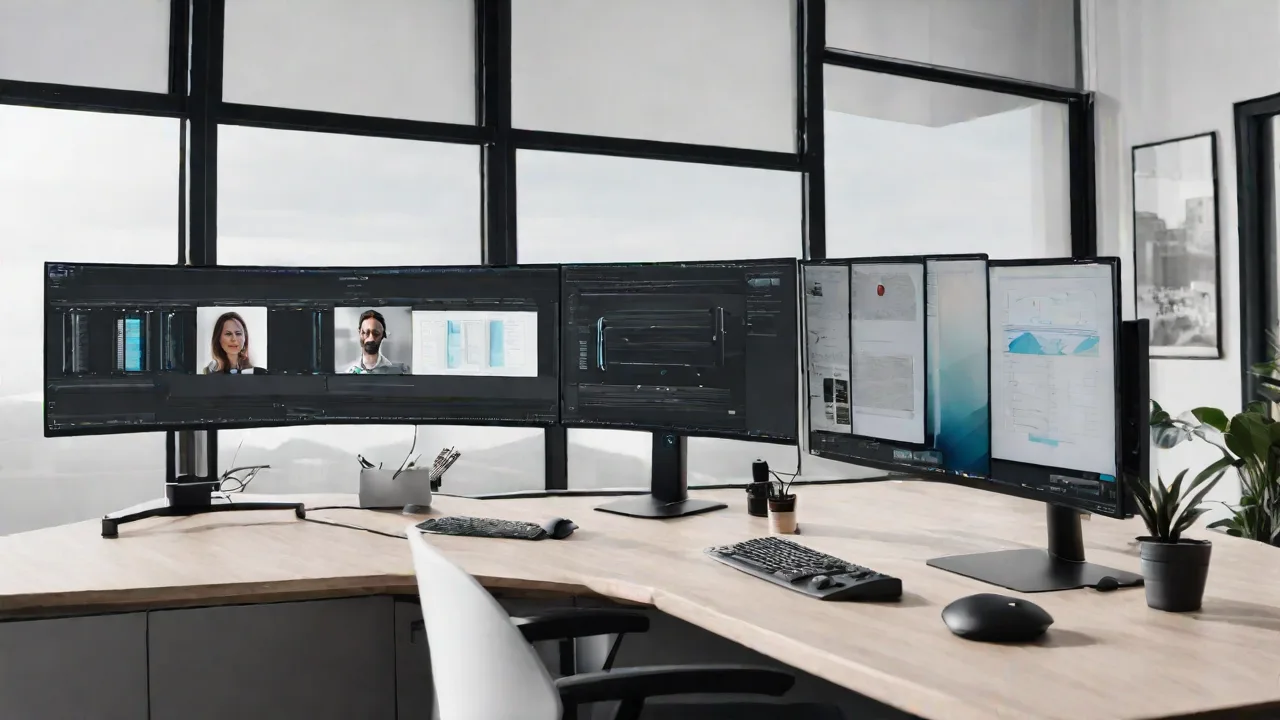
How to Use Super Ultrawide Monitors for Effective Remote Collaboration and Video Conferencing
Super ultrawide monitors are transforming the way remote teams collaborate and communicate. Their expansive screens provide a seamless viewing experience, making it easier to multitask, share content, and stay engaged during virtual meetings. If you're considering upgrading your workspace, understanding how to effectively use these monitors can significantly enhance your productivity.
Benefits of Using Super Ultrawide Monitors for Remote Work
- Enhanced Multitasking: Multiple windows can be open side by side without overlapping, reducing the need to switch between tabs or applications.
- Improved Video Conferencing: Wide screens allow you to see participants clearly while sharing your screen or presentation materials.
- Immersive Experience: The expansive display creates a more engaging environment, helping you stay focused during long meetings or collaborative sessions.
Setting Up Your Ultrawide Monitor for Collaboration
Proper setup is crucial to maximize the benefits of an ultrawide monitor. Follow these steps to optimize your workspace:
- Position the monitor: Place it at eye level to reduce neck strain and ensure comfortable viewing angles.
- Adjust display settings: Calibrate brightness, contrast, and resolution for clear visuals.
- Use multiple virtual desktops: Organize different tasks or applications across virtual screens to keep your workspace tidy.
Best Practices for Video Conferencing on Ultrawide Monitors
Effective communication during virtual meetings requires some strategic adjustments:
- Position your webcam: Place it near the top center of the monitor for natural eye contact.
- Share specific regions: Use screen sharing features to highlight relevant parts of your workspace, avoiding unnecessary clutter.
- Manage notifications: Disable or mute notifications to prevent interruptions during meetings.
- Use picture-in-picture mode: Keep the video feed visible while working on other tasks.
Additional Tips for Effective Remote Collaboration
Beyond hardware setup, consider these tips to foster better teamwork:
- Establish clear communication protocols: Use chat, video, and collaborative tools consistently.
- Schedule regular check-ins: Keep team members connected and aligned on goals.
- Leverage collaborative software: Use shared documents and whiteboards to brainstorm and track progress.
- Maintain good ergonomics: Take breaks and adjust your workspace to prevent fatigue.
Super ultrawide monitors can significantly improve your remote collaboration experience when used correctly. By setting up your workspace thoughtfully and adopting best practices during meetings, you can stay productive, engaged, and connected with your team.