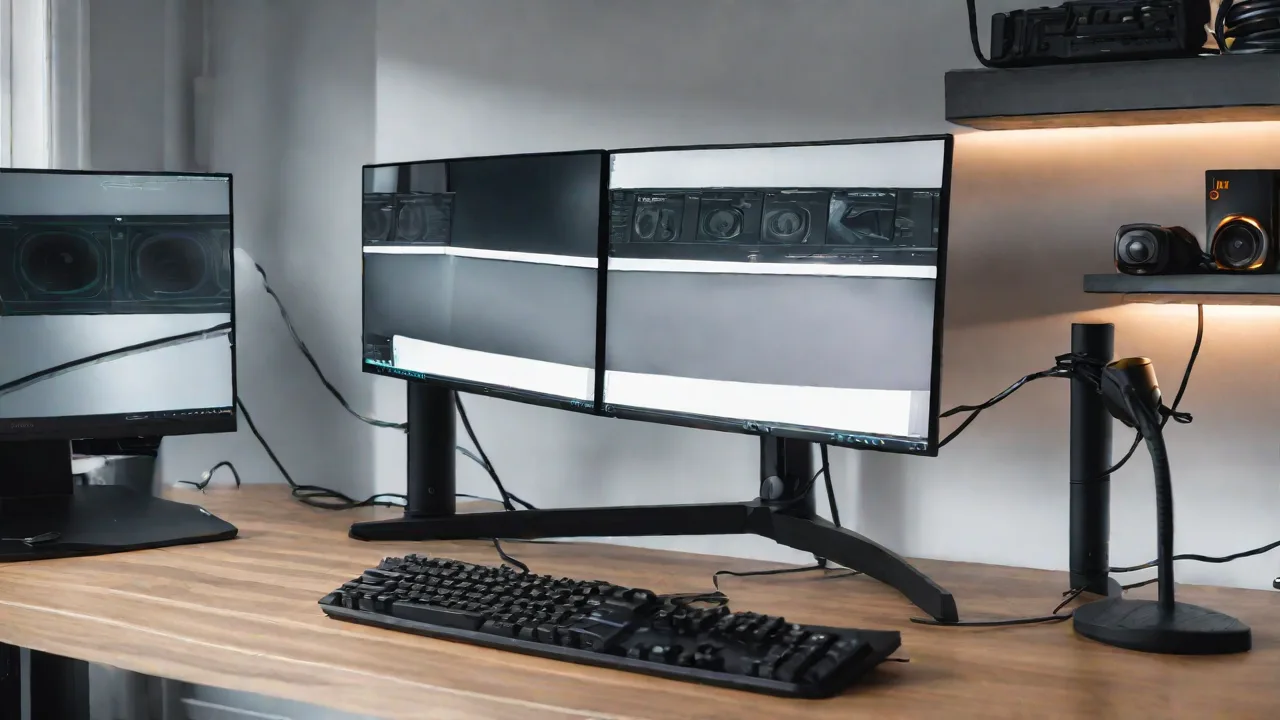
Best Cable Management Tips for a Clean Super Ultrawide Monitor Setup
A cluttered desk can be distracting and hinder productivity, especially when using a large super ultrawide monitor. Proper cable management not only keeps your workspace tidy but also prolongs the life of your cables and equipment. Here are some of the best tips to achieve a clean and organized monitor setup.
Assess Your Cables and Setup
Before starting, take a moment to evaluate all the cables involved in your setup. Identify which cables are essential and which can be minimized or replaced with wireless options. Knowing what you have will help you plan effectively.
Use Cable Clips and Sleeves
Cable clips are small devices that attach to your desk or monitor stand, guiding cables along a fixed path. Cable sleeves bundle multiple cables together, reducing clutter and preventing tangling. Choose flexible, durable sleeves that can be easily adjusted.
Employ Under-Desk Cable Management Trays
Installing a cable management tray underneath your desk provides a dedicated space for power strips and excess cable lengths. This keeps cables off the floor and out of sight, creating a sleek appearance.
Hide Power Strips and Adapters
Use adhesive cable clips or Velcro straps to secure power strips and adapters underneath the desk or behind the monitor. This prevents them from cluttering your workspace and makes cleaning easier.
Adjust Cable Lengths and Routing
Keep cables as short as possible to avoid excess slack. Use cable ties or twist ties to bundle and route cables neatly along the edges of your desk or monitor stand. Routing cables behind the monitor or along the back edge of your desk keeps them out of sight.
Maintain Regular Checks
Periodically review your cable setup to ensure that cables are still organized and secure. Replace worn or damaged cables promptly to prevent safety hazards and maintain a tidy workspace.
Additional Tips for a Super Ultrawide Setup
- Use a dedicated cable management box for power strips.
- Opt for wireless peripherals when possible.
- Label cables for easy identification during adjustments.
- Consider monitor mounts with built-in cable routing features.
Implementing these cable management strategies will help you enjoy a clean, professional-looking super ultrawide monitor setup that boosts productivity and aesthetics.