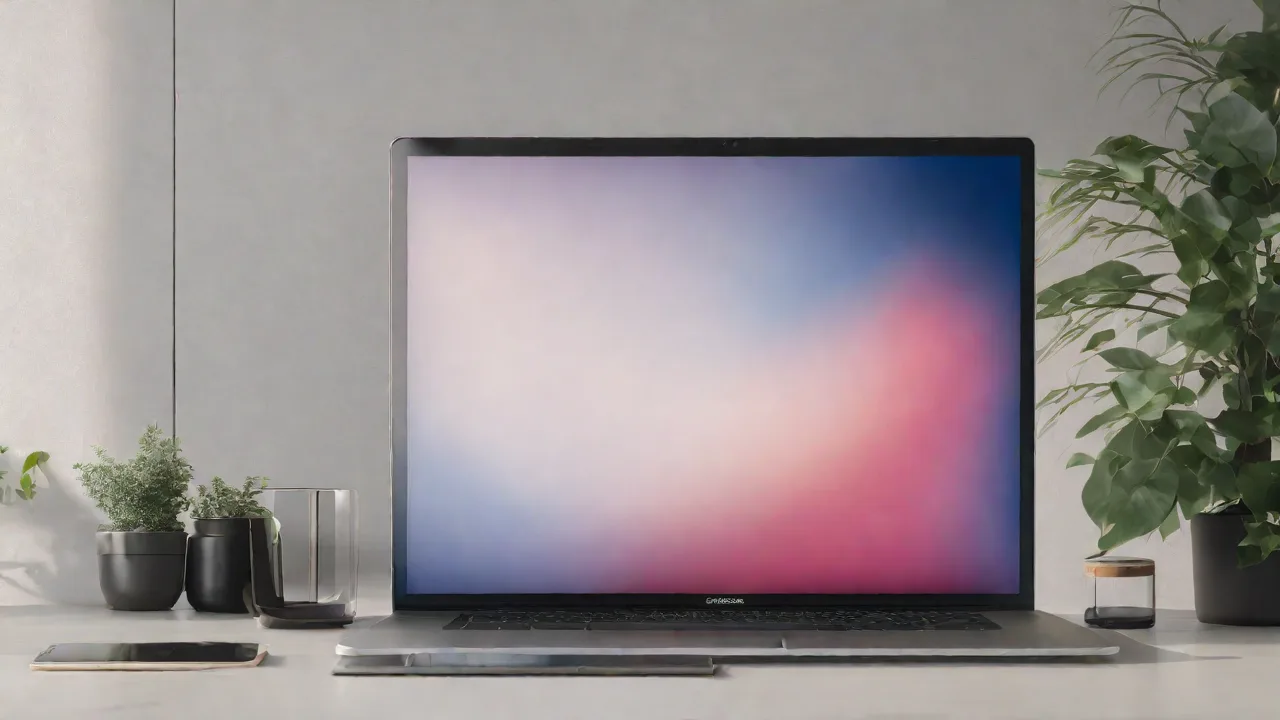
How to Enhance Your Super Ultrawide Experience With Custom Wallpapers and Themes
Super ultrawide monitors offer an immersive viewing experience, perfect for gaming, multitasking, and creative work. To maximize this experience, customizing your wallpapers and themes can make a significant difference. This guide provides tips on how to enhance your super ultrawide display with personalized wallpapers and themes.
Choosing the Right Wallpaper
The wallpaper sets the visual tone of your desktop. For ultrawide screens, choose images that match your monitor's aspect ratio (usually 21:9 or wider). High-resolution images prevent pixelation and ensure clarity.
- Resolution: Use wallpapers that are at least as wide as your monitor's resolution.
- Subject Matter: Opt for landscapes, abstract art, or panoramic photos that complement the wide view.
- Customization: Consider creating or editing images to fit your screen perfectly.
Setting Up Your Wallpaper
Most operating systems allow you to set wallpapers easily. For ultrawide monitors, select the "Stretch" or "Fill" options to ensure the image covers the entire screen without distortion.
Some tools and third-party apps provide additional customization options, such as animated wallpapers or panoramic scrolling. Explore these to create a dynamic desktop environment.
Enhancing Your Theme and Visuals
Beyond wallpapers, customizing your desktop theme can improve usability and aesthetics. Choose themes with color schemes that match your wallpaper for a cohesive look.
Adjust font sizes, icon spacing, and window borders to optimize your workspace. Many operating systems support custom themes or skins that can be tailored to your preferences.
Additional Tips for an Optimal Ultrawide Experience
Here are some extra tips to make the most of your super ultrawide monitor:
- Use multiple virtual desktops: Organize different tasks across virtual screens.
- Adjust display settings: Fine-tune resolution, refresh rate, and color calibration.
- Utilize window management tools: Apps like FancyZones or Magnet help arrange windows efficiently.
By combining personalized wallpapers, cohesive themes, and smart window management, you can create a stunning and efficient ultrawide workspace tailored to your needs.