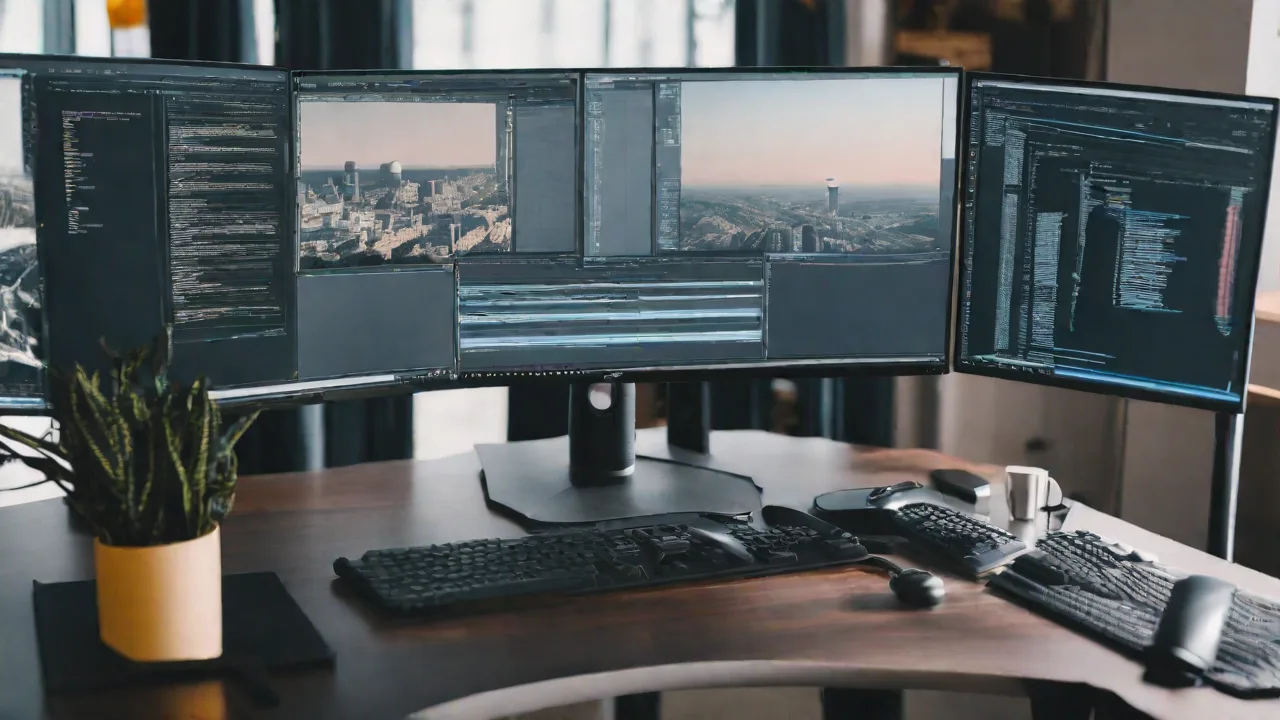
How to Use Super Ultrawide Monitors for Effective Programming and Software Development
Super ultrawide monitors have become increasingly popular among programmers and software developers. Their expansive screens provide a seamless workspace that can significantly boost productivity and streamline workflows. If you're considering integrating a super ultrawide monitor into your development setup, here are some essential tips to maximize its potential.
Benefits of Using Super Ultrawide Monitors for Programming
- Enhanced multitasking: Easily view multiple windows side-by-side without the need for multiple monitors.
- Improved focus: Minimize distractions by consolidating your workspace onto a single, expansive screen.
- Better code navigation: Scroll through large files and compare code snippets effortlessly.
- Efficient debugging: Monitor logs and debug tools simultaneously alongside your code.
Tips for Optimizing Your Ultrawide Setup
1. Use Proper Window Management Tools
Leverage window management software like PowerToys, Magnet, or built-in OS features to organize your workspace. Snap windows into predefined zones to keep your environment tidy and accessible.
2. Customize Your Display Settings
Adjust resolution, scaling, and color profiles to ensure clarity and comfort during long coding sessions. Proper calibration reduces eye strain and enhances visibility.
3. Use Multiple Virtual Desktops
Take advantage of virtual desktops to separate different tasks, such as coding, documentation, and testing. This helps maintain focus and reduces clutter.
Best Practices for Effective Programming on Ultrawide Monitors
1. Organize Your Workflow
Create a consistent layout that suits your workflow. For example, keep your code editor on the left, documentation in the center, and debugging tools on the right.
2. Optimize Your Development Environment
Configure your IDE and terminal windows to maximize space. Use split views and tabbed interfaces to access multiple files without clutter.
3. Take Breaks and Adjust Brightness
Ensure your monitor's brightness and contrast are comfortable for your eyes. Regular breaks are essential to prevent fatigue during extended coding sessions.
Conclusion
Super ultrawide monitors can transform your programming environment, making multitasking more efficient and your workflow smoother. By customizing your setup and following best practices, you can leverage the full potential of these expansive screens to enhance your software development productivity.