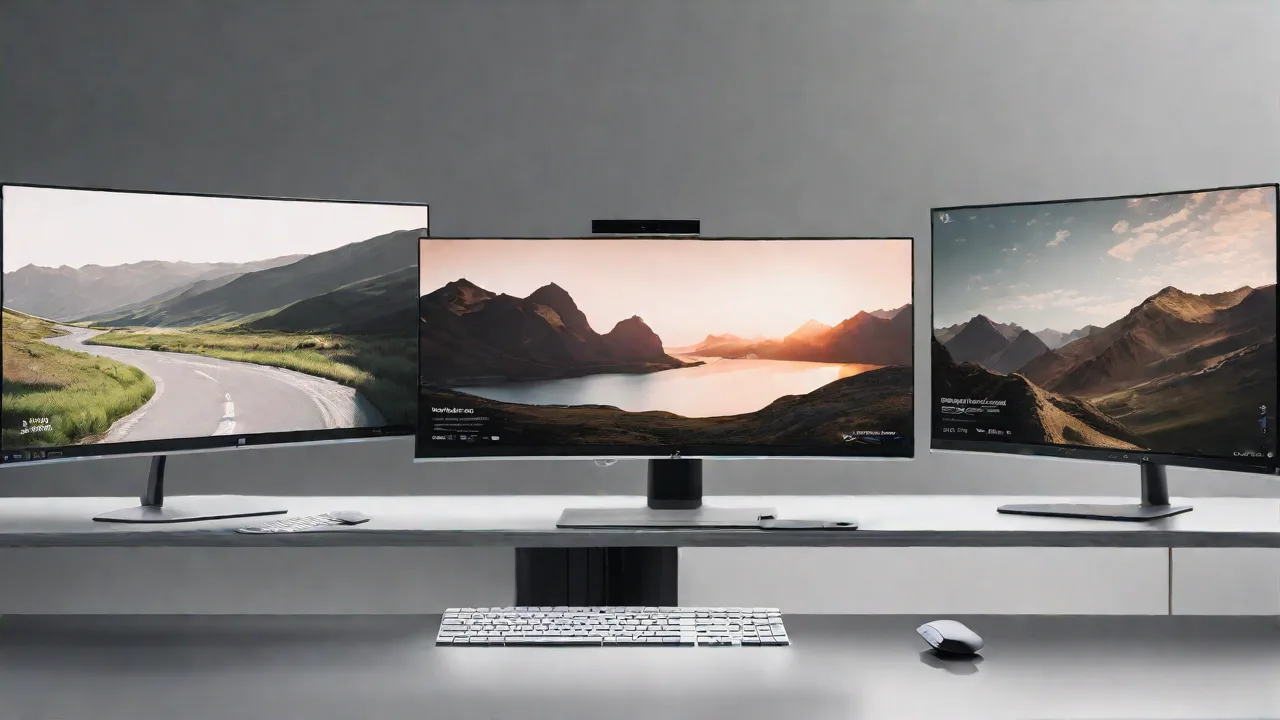
Top Tips for Achieving Seamless Multi-Monitor Transitions on a Super Ultrawide Screen
Using a super ultrawide screen can significantly enhance your productivity and gaming experience by providing expansive real estate. However, managing multiple windows across such a wide display can be challenging. Here are some top tips to achieve seamless transitions and maximize your ultrawide setup.
Optimize Your Display Settings
Start by adjusting your display settings to ensure the best possible resolution and refresh rate. Use your operating system's display configuration to align the resolution with your monitor's native capabilities. This reduces lag and visual artifacts during transitions.
Use Window Management Tools
Leverage window management software designed for ultrawide screens. Tools like PowerToys FancyZones (Windows) or Magnet (Mac) allow you to create custom zones. These zones help snap windows into predefined areas, making it easy to move between applications smoothly.
Configure Virtual Desktops
Virtual desktops can help organize your workspace. Assign different tasks or applications to separate virtual desktops, then switch between them quickly. This minimizes clutter and allows for faster transitions across your ultrawide display.
Implement Keyboard Shortcuts
Master keyboard shortcuts for window management. For example, Windows users can use Win + Left/Right Arrow to snap windows, while Mac users can utilize Mission Control. These shortcuts enable rapid movement and resizing of windows, creating seamless transitions.
Adjust Application Settings
Some applications support multi-monitor or ultrawide configurations. Explore settings within your most-used apps to optimize their display behavior, ensuring they adapt well to your super ultrawide screen during transitions.
Maintain Consistent Layouts
Design your workspace with consistent window layouts. Keeping window sizes and positions predictable reduces the time spent adjusting during transitions, making your workflow smoother and more efficient.
Conclusion
By optimizing display settings, leveraging window management tools, utilizing virtual desktops, mastering shortcuts, configuring applications, and maintaining consistent layouts, you can achieve seamless transitions across your super ultrawide screen. These tips will help you unlock the full potential of your expansive display for work or play.